
See your work add up.
Money Printer turns your pay rate into a live earnings estimate—right from your Mac menu bar—and helps fund what matters next.
macOS 14+ · Apple silicon and Intel · $3.99 once after a 3-day trial
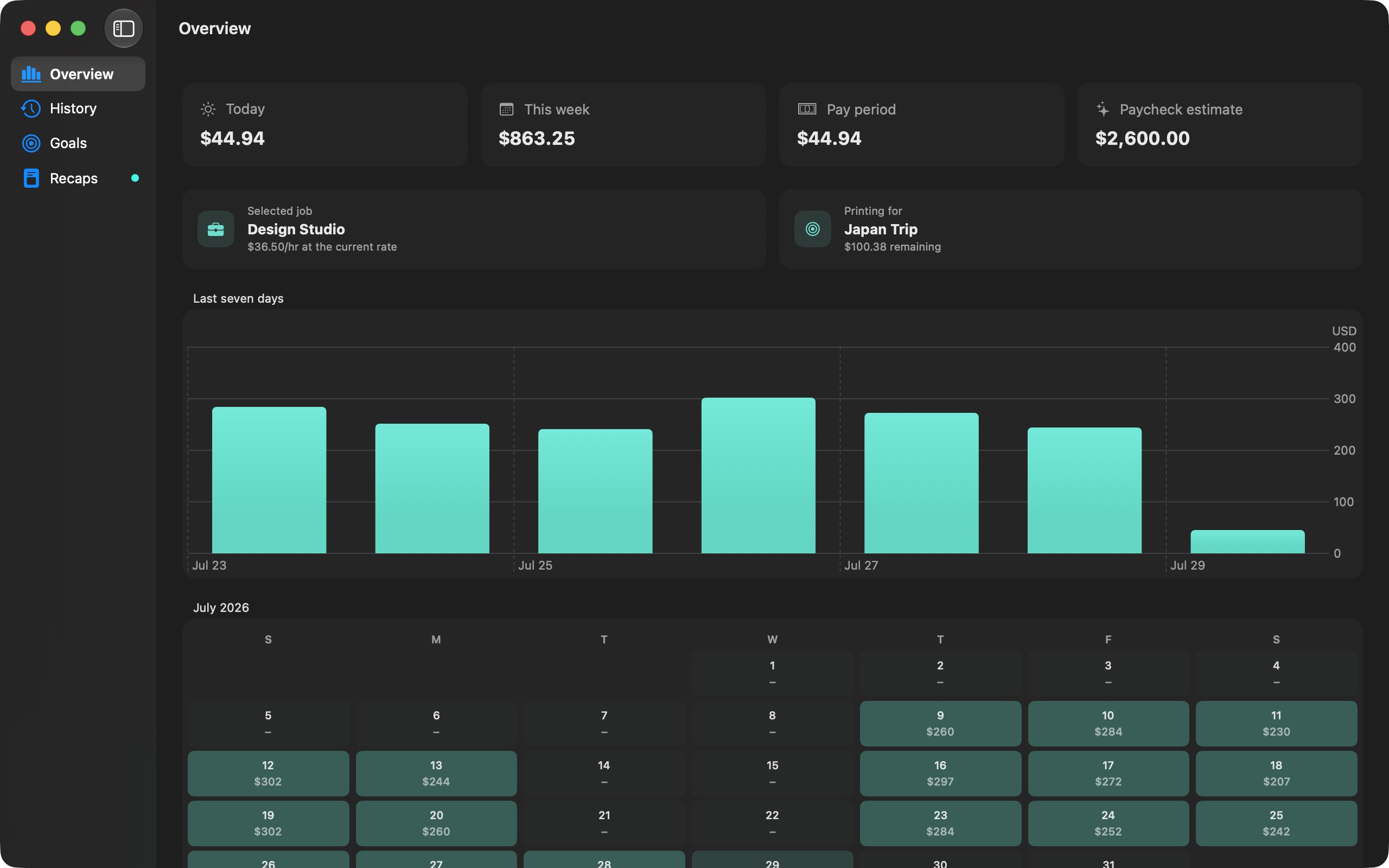

Your earnings,
in motion.
Track the workday as it happens, then understand where the time went.
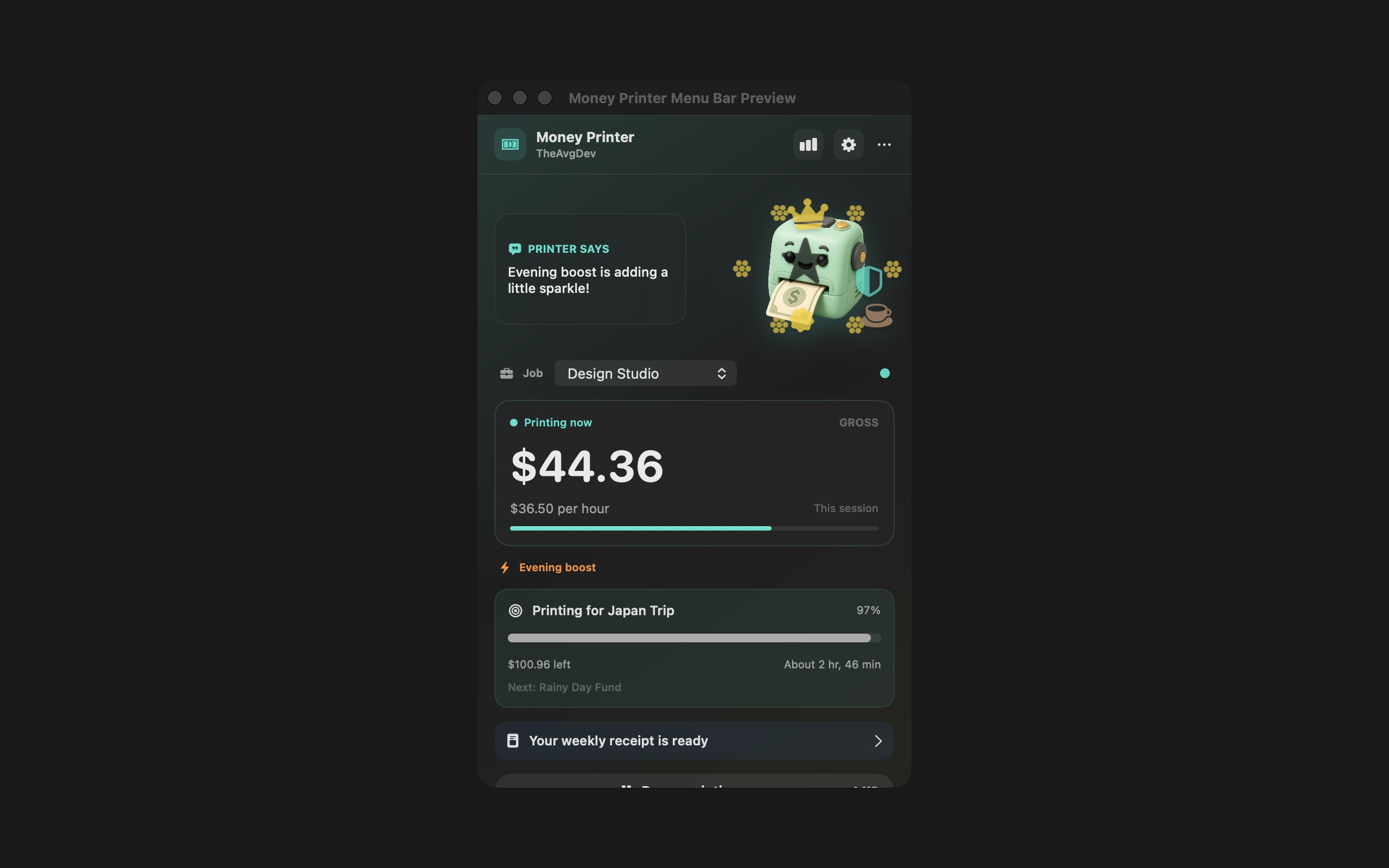
A live counter that lives in your menu bar
Switch between jobs, pause when you need to, and watch hourly, salary, or custom pay add up.
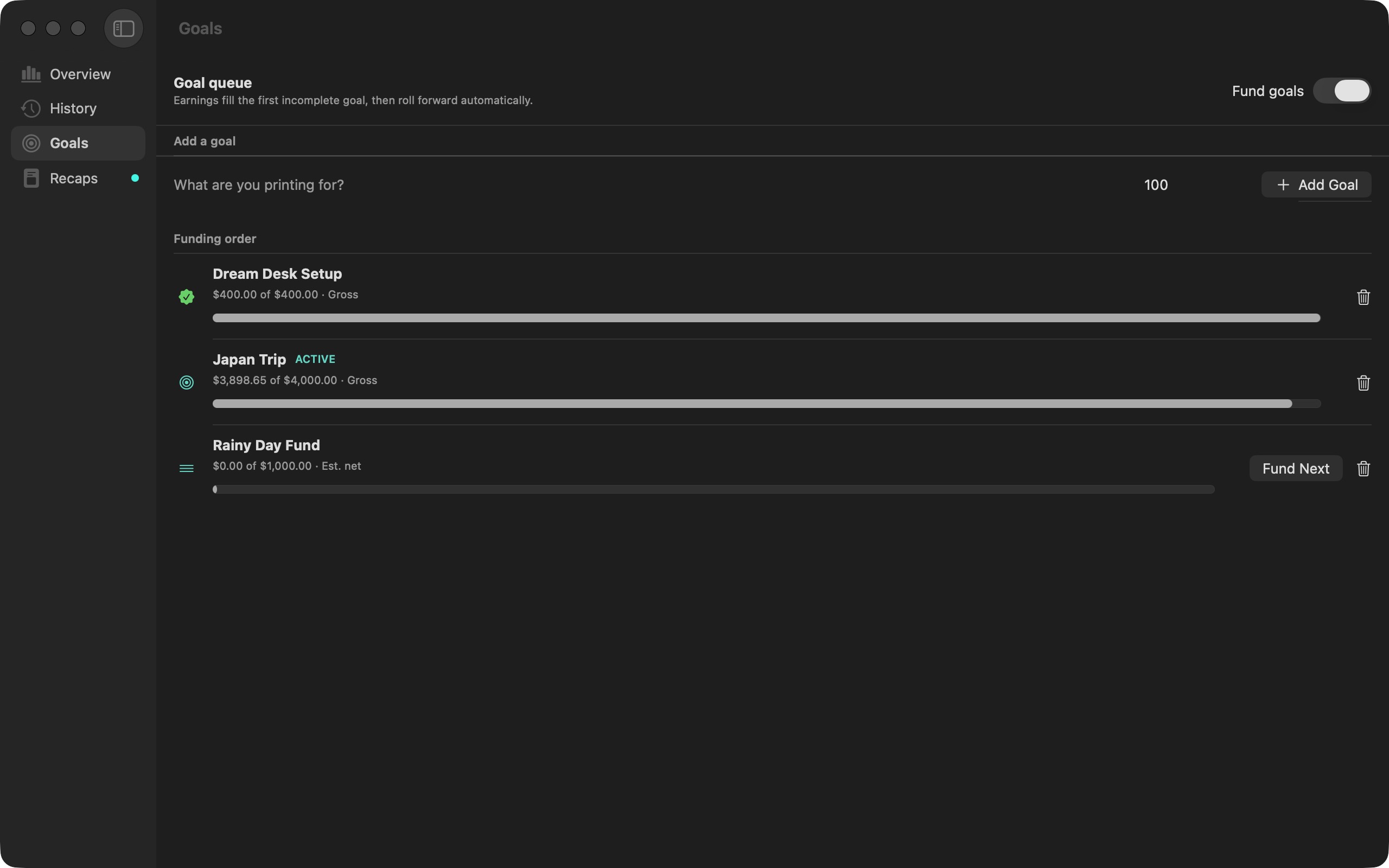
Point your progress at something real
Queue savings goals and see the time remaining update with every session.
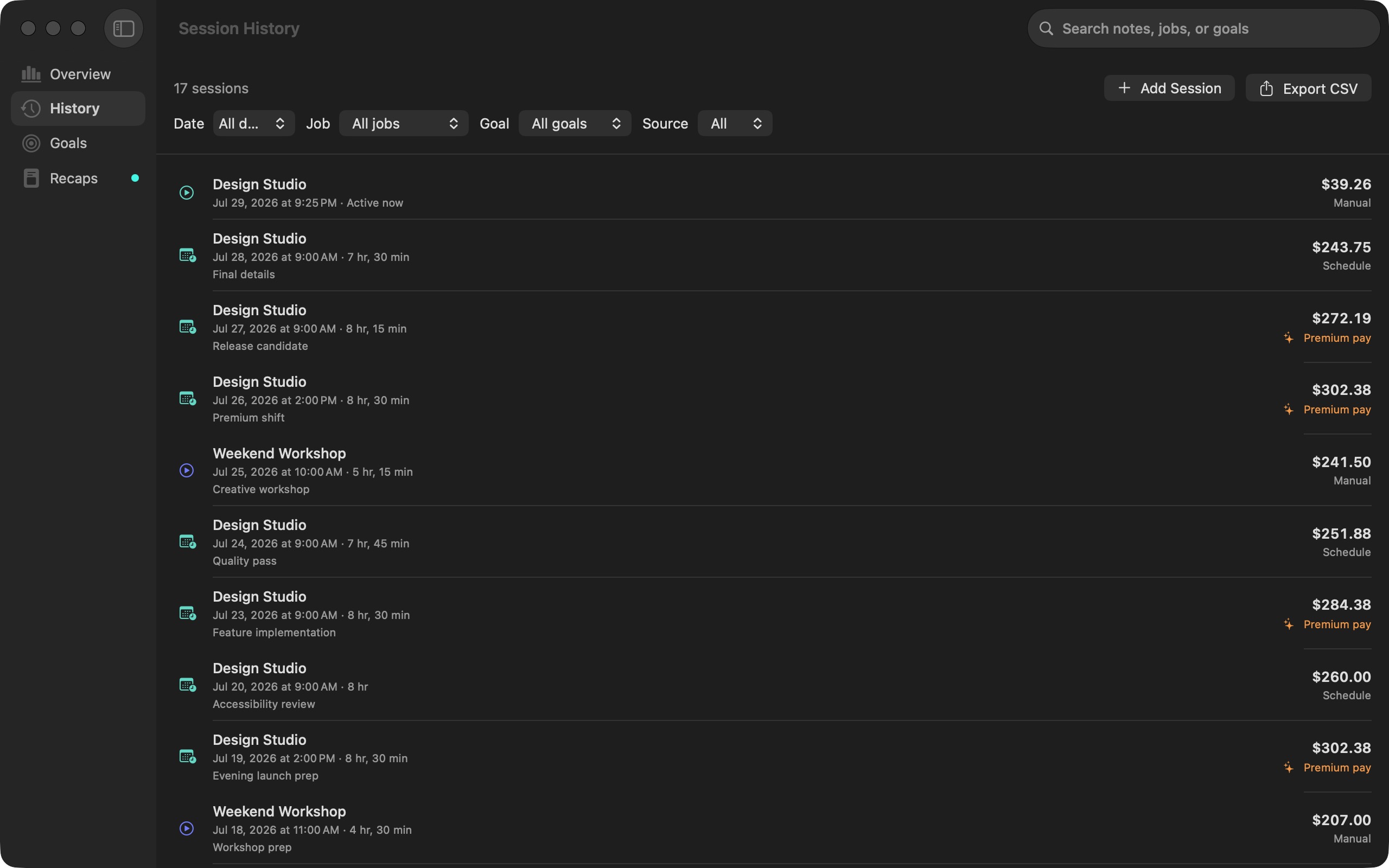
Keep the receipts
Review session history, weekly recaps, and detailed CSV exports whenever you want the full picture.
Available on the Mac App Store.
The direct edition is currently unavailable. Install Money Printer from the Mac App Store.
View Money Printer on the Mac App Store$3.99 once.
Yours for good.
Try every feature for 3 days.
No subscription. No automatic charge.
Connect to the internet at least once every 24 hours during the trial.
Your work
stays yours.
No account. No advertising. No analytics.
Pay details and history stay on your Mac.
- Local earnings history
- Versioned backups
- Export whenever you want
Good to know
Does Money Printer calculate payroll or taxes?
No. Money Printer produces configurable estimates. It does not reproduce an employer’s payroll, tax, benefits, withholding, labor-contract, or rounding rules.
Can I use it for more than one job?
Yes. Each job can keep its own pay rate, color, schedule, unpaid breaks, overtime rules, and shift premiums.
What happens after the trial?
The three-day trial requires an internet connection at least once every 24 hours and does not automatically charge you. A $3.99 one-time purchase permanently unlocks the selected edition.
How do updates work?
After a direct release is published, the direct edition checks a signed Sparkle feed. The Mac App Store edition receives updates through the App Store.